iOS · iPad + iPhone · for families
Hebra is a video phone for one person — the parent or grandparent you call most. Set it up once on their iPad. After that there are no menus, no contact lists, no settings, and nothing to tap by mistake.
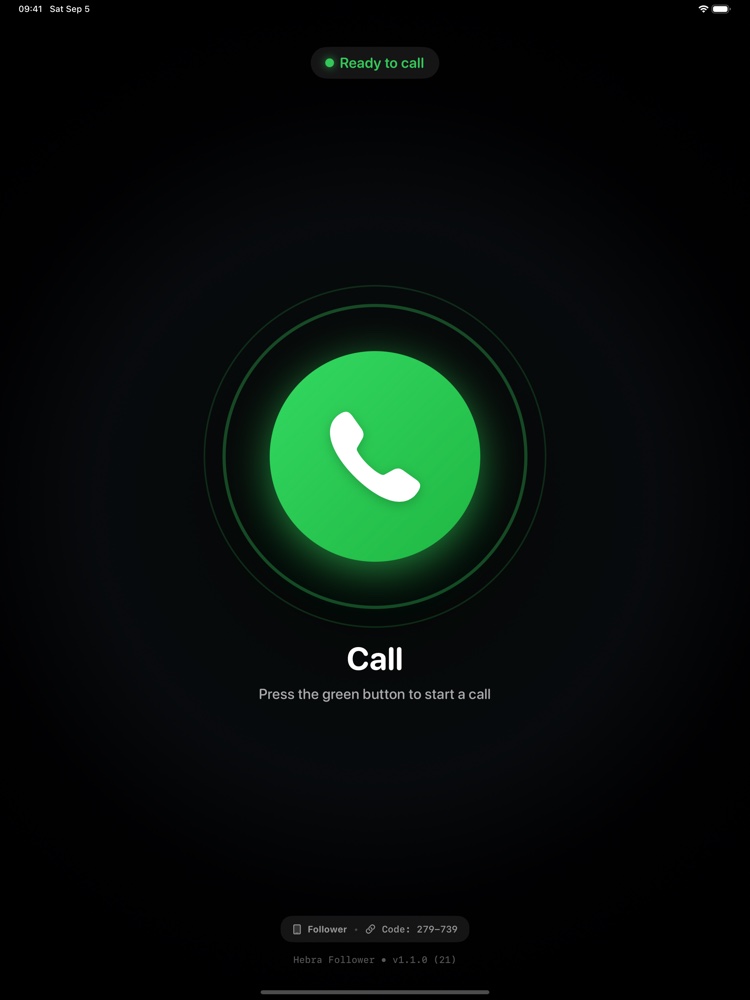
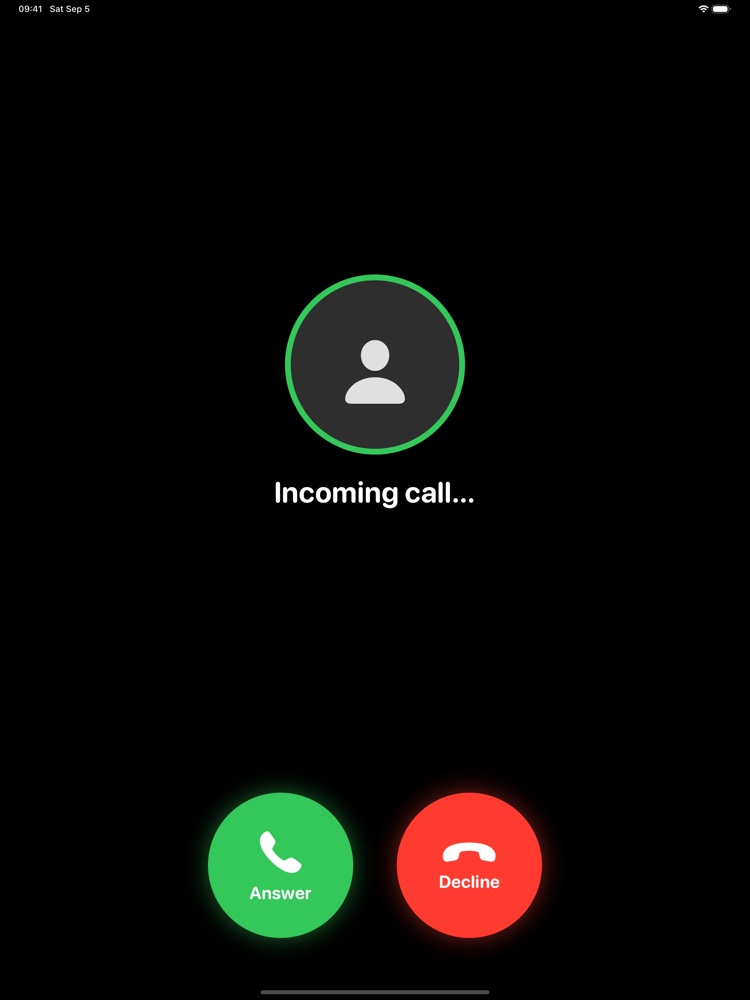
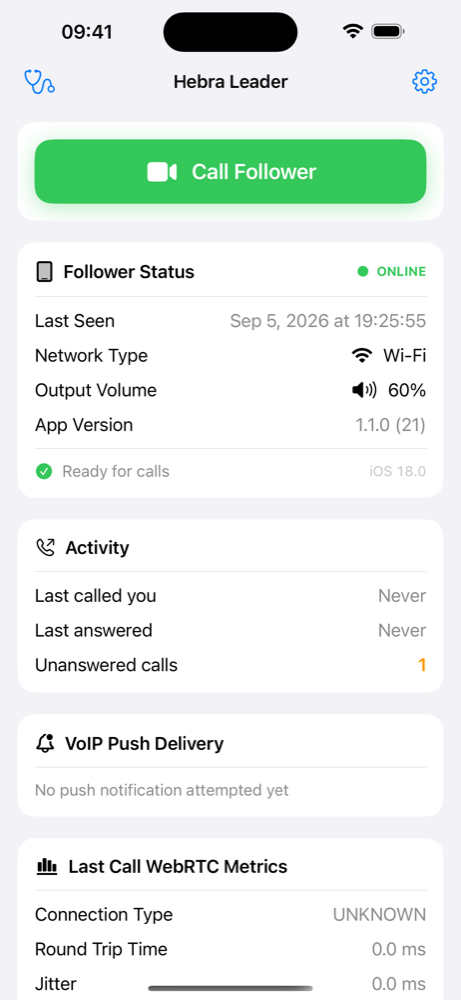
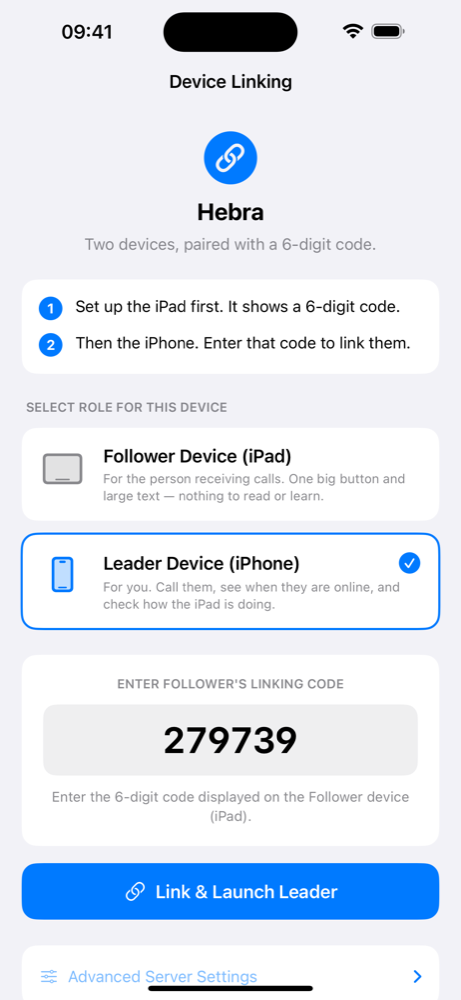
One device becomes the Follower (iPad at home with the parent). The other becomes the Leader (your iPhone). Enter a 6-digit linking code to pair them — done in 30 seconds.
On the Leader phone, tap one giant green button. The Follower iPad rings instantly — even if the app is closed or the screen is locked — via Apple's native CallKit & PushKit integration.
Full-screen, edge-to-edge video fills the iPad. No floating toolbars, no distracting UI — just your face, as large as possible. Hang up when you're done.
PushKit wakes the app from any state. CallKit shows the native green call screen. No missed calls because "the app wasn't open."
Audio and video are end-to-end encrypted between the two devices. Hebra connects them directly whenever the network allows; when it doesn't, traffic is relayed — and the relay forwards encrypted packets it cannot read. Zero tracking, zero ads.
No email, no phone number, no sign-up. A simple 6-digit code pairs two devices. That's the entire setup.
After setup, the Follower device locks into call-answering mode. No menus to get lost in. The parent's only job is to accept or ignore the call.
100% native Swift + SwiftUI on the iOS side. Cloudflare Durable Objects handle signaling over WebSocket with hibernation — keeping costs at zero even under the free tier. ICE/TURN relay via Cloudflare Calls. PushKit VoIP pushes are delivered through Apple APNs with JWT-signed tokens.
The entire backend fits in a single Cloudflare Worker. No database, no storage, no third-party services. The signaling server is stateless between calls.